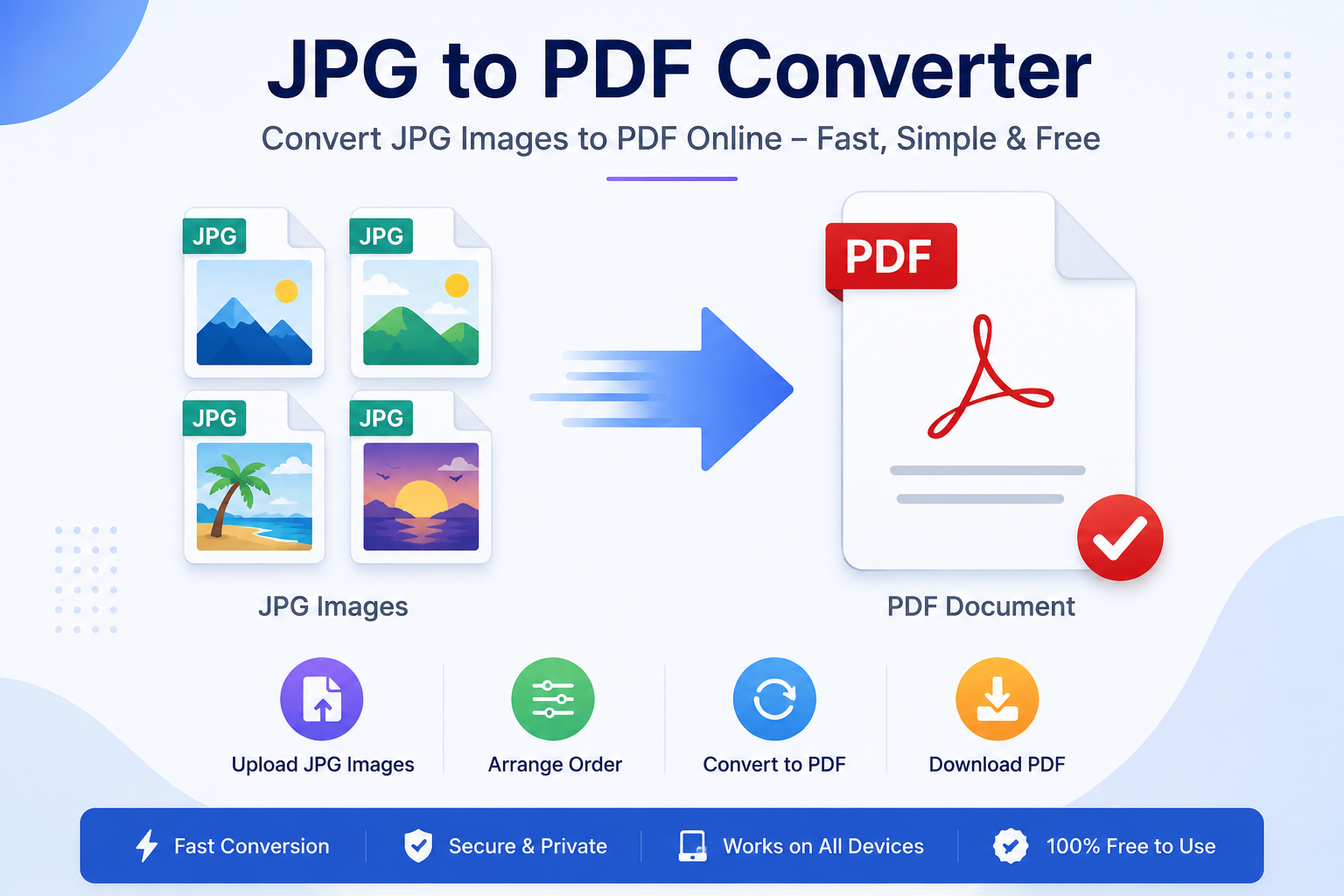
JPG to PDF Converter
Convert your JPG, JPEG and PNG images into a professional PDF quickly and easily.
Select Images
Choose one or multiple JPG, JPEG or PNG images
Your Images
0 images selected
Creating your PDF…
Please wait while your images are being processed.
Fast Conversion
Convert your images to PDF quickly without complicated steps.
Private & Secure
Your images are processed directly in your browser.
Multiple Images
Select multiple images and combine them into one PDF.
Convert JPG to PDF in 3 Easy Steps
Select Images
Choose JPG, JPEG or PNG images from your device.
Preview & Arrange
Check your images and arrange their order before conversion.
Convert & Download
Click Convert to PDF and download your finished document.
JPG to PDF Converter Questions
Can I convert multiple JPG images into one PDF? +
Yes. You can select multiple JPG, JPEG or PNG images and combine them into a single PDF document.
Do I need to upload my images to a server? +
No. This JPG to PDF Converter is designed to process your images directly in your browser.
Can I use this tool on mobile? +
Yes. The JPG to PDF Converter is designed to work on desktop, tablet and mobile devices.
JPG to PDF Converter
JPG to PDF ConverterOur JPG to PDF Converter lets you easily convert JPG images into PDF files online. If you have photos, scanned documents, screenshots, certificates, or other JPG images that you want to save as a PDF, this tool provides a simple way to do it.You can use the JPG to PDF converter from a desktop computer, tablet, or mobile phone. Upload your JPG images, arrange them as needed, and create a PDF file without complicated software or technical steps.How to Convert JPG to PDF OnlineConverting JPG images to PDF is simple with Calculatorz PDF Tools.1. Open the JPG to PDF Converter. 2. Upload one or more JPG images. 3. Arrange the images in the required order. 4. Start the conversion process. 5. Download the generated PDF file.The exact options available may depend on the files and features supported by the tool.Why Convert JPG Images to PDF?JPG images are useful for photographs and individual pictures, but PDF files are often more convenient for sharing documents and keeping multiple pages together. Converting JPG images to PDF can help you organize several images into a single document.For example, you may want to combine scanned pages, receipts, forms, notes, certificates, or photographs into one PDF file. A PDF can also be easier to share when you want multiple images to remain together in one document.Convert Multiple JPG Images to One PDFIf you have several JPG images, you can use the converter to create a PDF containing multiple images, where supported by the tool. This can be useful when you have scanned documents or a collection of images that belong to the same document.Before converting, check the order of your images so that the resulting PDF follows the sequence you need.JPG to PDF on MobileYou can access the JPG to PDF Converter from a smartphone or tablet using a modern web browser. This makes it useful when you need to convert an image to PDF without installing additional desktop software.Whether you are working with photographs, scanned pages, or screenshots, you can use the online tool from a supported device.Common Uses of JPG to PDF ConversionJPG to PDF conversion can be useful for many everyday tasks, including:• Converting scanned documents into PDF files • Combining document photographs into one PDF • Creating a PDF from screenshots • Organizing receipts and records • Sharing multiple images as a single document • Preparing images for digital document storageJPG vs PDFJPG is primarily an image format and is commonly used for photographs and other pictures. PDF is a document format that can contain text, images, and multiple pages in a single file.If you need to share or organize several JPG images as one document, converting them to PDF can be a convenient option.Frequently Asked QuestionsIs the JPG to PDF Converter free?Calculatorz PDF Tools provides online PDF utilities designed to make common PDF tasks simple and accessible. Available features and usage limits may depend on the specific tool.Can I convert multiple JPG images to PDF?The converter can support multiple JPG images where the available tool features allow it. You can upload your images and arrange them before creating the PDF.Can I use the JPG to PDF Converter on mobile?Yes. The website is designed to work on smartphones, tablets, and desktop computers using a supported web browser.What can I convert to PDF from JPG images?You can use JPG images such as photographs, scanned pages, screenshots, receipts, and other supported images as the source for creating PDF documents.Do I need to install software?The JPG to PDF tool is available online, so you can use the website through a supported web browser instead of relying on a separate desktop application.